


Free Media Tools
Everything Runs In Your Browser
All of GenStudioZ's free tools work right on your own device — nothing you convert, crop, trim, or draw on is ever sent to a server. That isn't just a privacy policy promise; it's how the tools are built. There's nothing to upload, nothing to queue, and nothing kept on our servers. The image editor holds your last edit on your own device for up to seven days, and the audio editor your last three files for two days, so a mistaken back press doesn't lose them, and you can discard them any time. Every tool below is free, with no signup, no watermark, and no daily limit. Pick the one you need, or compare them in the table further down.
Image Converter
Convert and compress photos to WebP, JPEG or PNG with a quality slider and a live before-and-after preview — nothing is uploaded.
JPEG, PNG, WebP, GIF, AVIF, BMP → WebP, JPEG, PNGVideo Converter
Convert and compress video to MP4, WebM or GIF, with a simple quality slider and optional resizing — nothing is uploaded.
MP4, WebM, MOV, MKV, AVI and more → MP4, WebM, GIF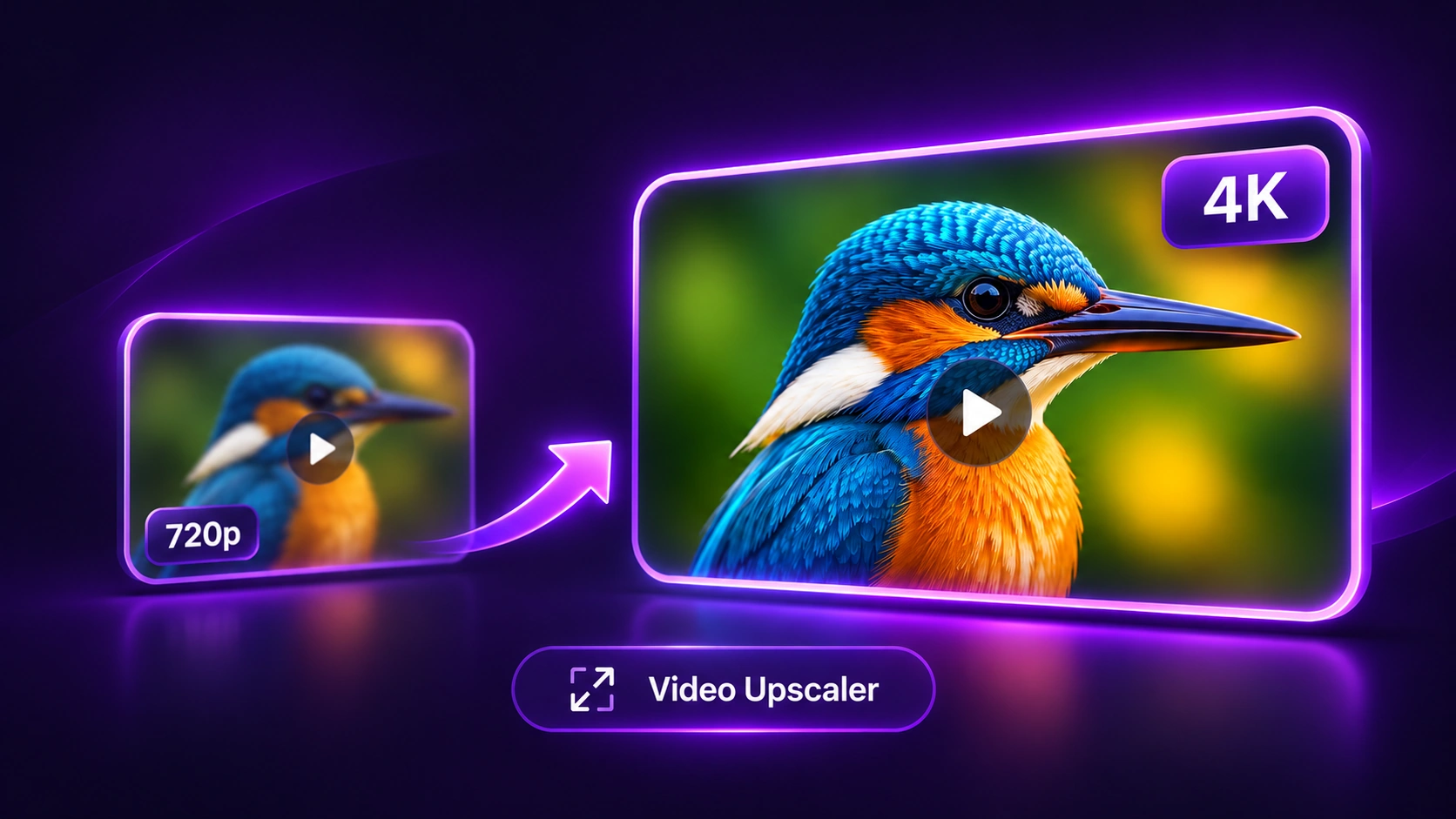
Video Upscaler
Upscale video to 720p, 1080p, 2K or 4K with GPU resizing and adjustable sharpening — nothing is uploaded.
MP4, MOV, WebM, MKV, AVI → MP4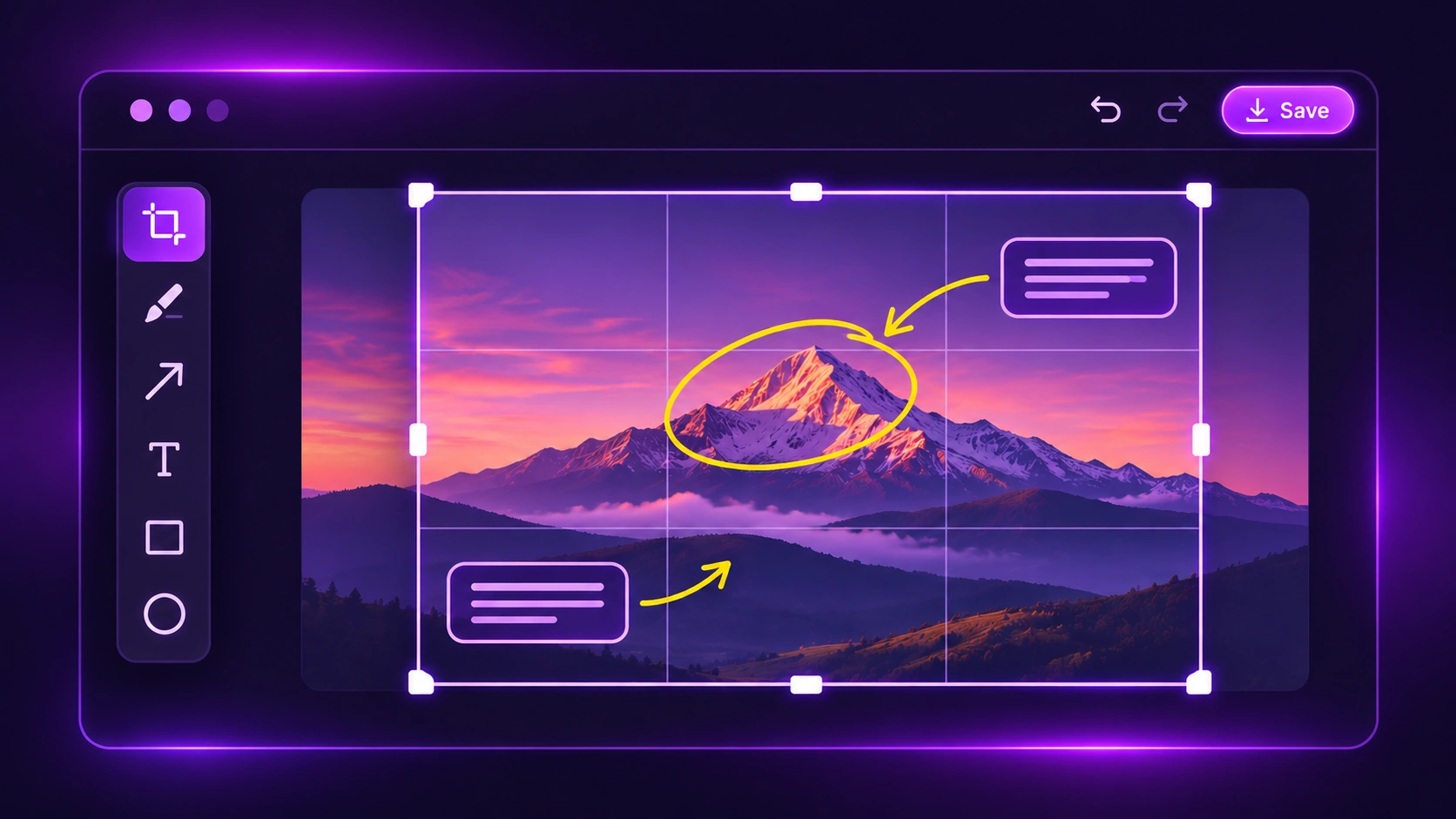
Image Annotator & Cropper
Crop a photo and add text, freehand drawing, lines, arrows or shapes, with non-destructive layers and undo/redo. Exports a full-resolution PNG — nothing is uploaded.
JPEG, PNG, WebP and more → PNG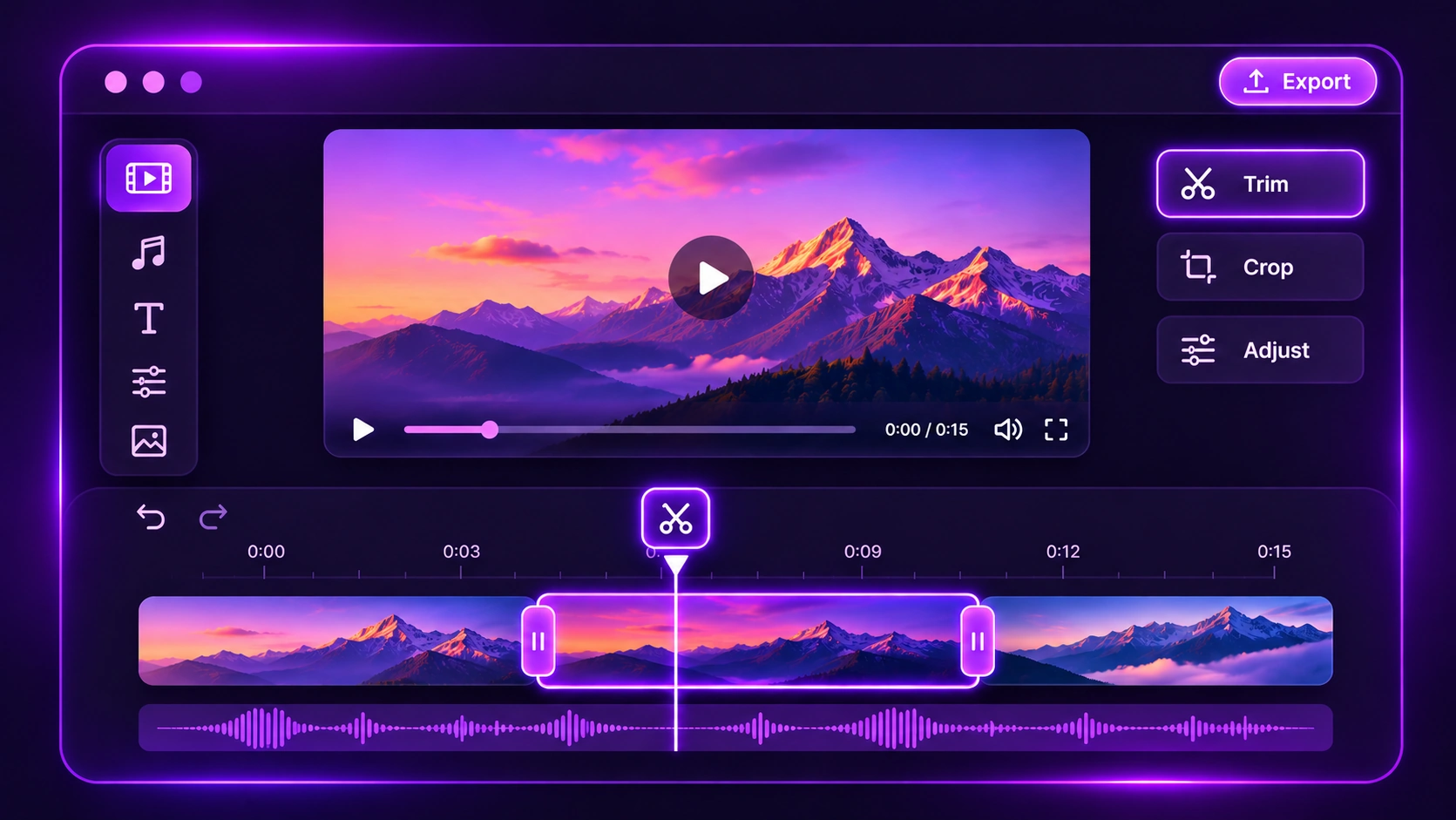
Video Trimmer & Editor
Trim and arrange clips on a timeline, mix in music with multi-track audio, and add text overlays — nothing is uploaded.
MP4, WebM, MOV and images → MP4, WebM, GIFAudio Converter
Batch-convert audio — or the sound from any video — to MP3, WAV, M4A, OGG, FLAC or an iPhone ringtone, up to 20 files at once — nothing is uploaded.
MP3, WAV, M4A, OGG, FLAC, MP4, MOV and more → MP3, WAV, M4A, OGG, FLAC, M4RAudio Editor
Trim, cut, fade and merge audio on a waveform, remove noise and silences, change speed or pitch, record your voice, and make ringtones in one click — nothing is uploaded.
Any audio or video → MP3, WAV, M4A, OGG, FLAC, M4RPopular image conversions: PNG to WebP · JPG to WebP · WebP to PNG · WebP to JPG · PNG to JPG · JPG to PNG · AVIF to JPG · AVIF to PNG
Popular video conversions: MOV to MP4 · Video to GIF · MKV to MP4 · WebM to MP4 · AVI to MP4 · MP4 to MOV · MP4 to WebM
Popular audio conversions: MP4 to MP3 · Video to MP3 · WAV to MP3 · M4A to MP3 · MP3 to WAV · FLAC to MP3 · OGG to MP3 · MP3 to M4R Ringtone · AAC to MP3 · WMA to MP3
Compare the free tools
| Tool | Input formats | Output formats | File-size ceiling | Works on |
|---|---|---|---|---|
| Image Converter | JPEG, PNG, WebP, GIF, AVIF, BMP | WebP, JPEG, PNG | 50MB | Desktop & mobile |
| Video Converter | MP4, WebM, MOV, MKV, AVI and more | MP4, WebM, GIF | 500MB | Desktop & mobile |
| Video Upscaler | MP4, MOV, WebM, MKV, AVI | MP4 | 500MB | Desktop & mobile (4K depends on device) |
| Image Annotator & Cropper | JPEG, PNG, WebP and more | PNG | 50MB | Desktop & mobile |
| Video Trimmer & Editor | MP4, WebM, MOV and common image types | MP4, WebM, GIF | No hard limit (memory-bound) | Desktop & mobile |
| Audio Converter | MP3, WAV, M4A, AAC, OGG, FLAC, WMA, plus MP4/MOV/WebM/MKV video | MP3, WAV, M4A, OGG, FLAC, M4R | 300MB per file, 20 files | Desktop & mobile |
| Audio Editor | MP3, WAV, M4A, OGG, FLAC and more, video soundtracks, microphone | MP3, WAV, M4A, OGG, FLAC, M4R | 300MB / about 60 minutes | Desktop & mobile |
Private by design
Most "free online" converters and editors still make you upload your file to someone else's server, wait in a queue, and trust that the copy gets deleted afterwards. These tools skip that step entirely: your file is opened, edited and saved right on your own device, and it never leaves it.
That means your photos, videos and recordings stay private — there is simply no copy on our side to lose, leak or look at. It also means there's no upload time and no queue: a big file starts processing the moment you drop it in, and the speed depends only on your own device.
The image and audio editors can keep your latest work on this device for a short time, so an accidental refresh doesn't lose it. That copy stays in your browser only, deletes itself automatically, and you can clear it whenever you like.
And because there's no server doing the heavy lifting, there is nothing for us to charge you for — which is why every tool here is, and will stay, free.
Frequently asked questions
Are these tools really free?
Do you see my files?
Why are there file size limits?
Which browsers work?
Do I need an account?
Need to generate new media instead of converting or editing something you already have? Try Creator Studio.